

Do you wish to explore the enormous Internet without limitations or concerns? There is no need to look any further! In this short guide, we’ll walk you through the simple procedure of configuring a proxy in Safari. By using a proxy, you can access geo-blocked content while keeping your online activity hidden and secure.
As we reveal the secrets of hassle-free proxy setups, you may say goodbye to constraints and embrace a world of boundless possibilities.
To set up a proxy on Safari
- Open Safari and navigate to “Preferences“.

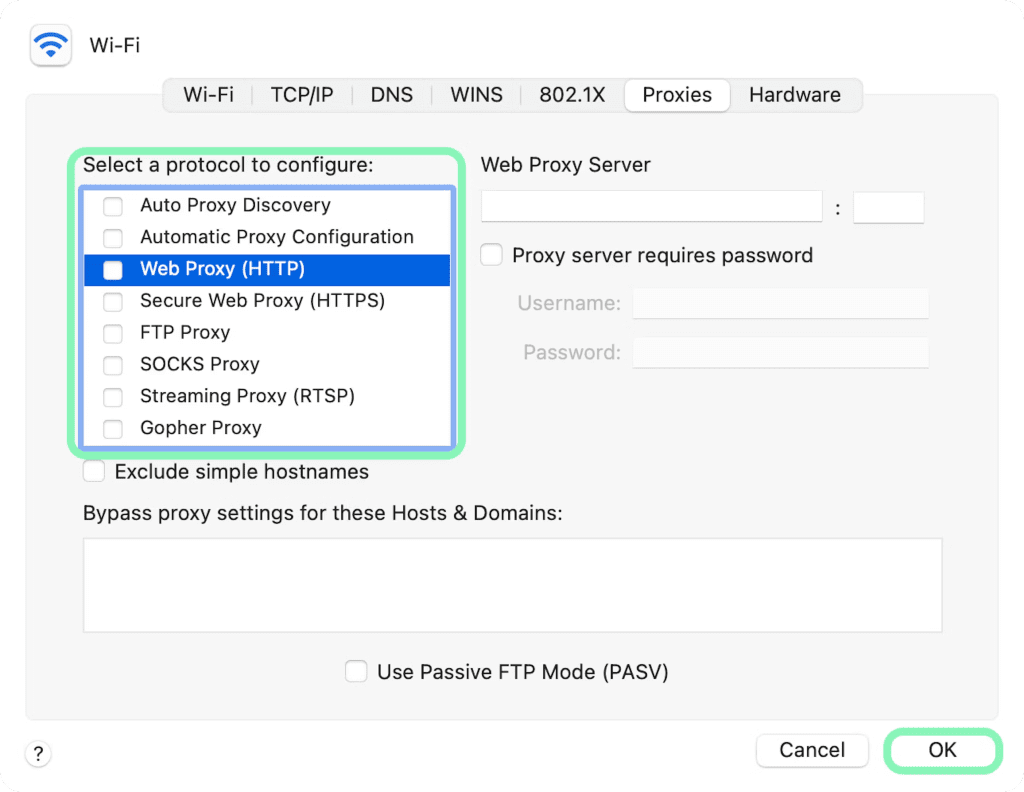
- Select the “Advanced” tab and click “Change Settings” in the Proxies section.

- Choose the proxy IP protocol that you want to configure.

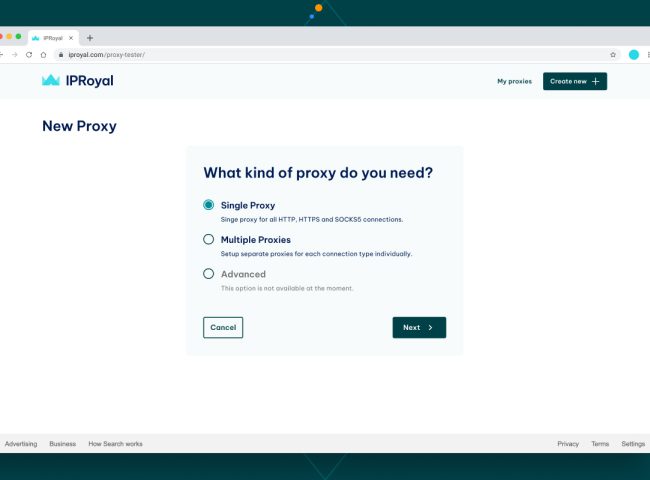
- Enter the necessary proxy details for the protocol of your choosing. If you don’t have a proxy yet we recommend you Proxy-cheap.

- Click “OK” to save

- Go to “ShowMyIP” to test your proxy.
To Disable a proxy on Safari
- Change the parameters as shown in the guide above by navigating to the proxy setup window.
- Uncheck all of the checkboxes on the Proxy tab. Then, in the lower right corner, click “OK“.
Conclusion
Enjoy the newfound freedom and security that using a proxy on Safari provides for your online activities. You’ve learned how to avoid obstacles while maintaining your privacy. So you may confidently explore the web’s unexplored region, knowing you have the means to do so without constraints.
Use Safari Proxy to its maximum extent and enjoy frictionless browsing like never before.
Happy browsing!

I’m Amine, a 34-year-old mobile enthusiast with a passion for simplifying the world of proxy providers through unbiased reviews and user-friendly guides. My tech journey, spanning from dial-up internet to today’s lightning-fast mobile networks, fuels my dedication to demystifying the proxy world. Whether you prioritize privacy, seek marketing advantages, or are simply curious, my blog is your trusted source.



Leave feedback about this